LOSLA
Threads
An application for growth on Threads: from content planning to publishing, replies and analytics.
Presence
as a system
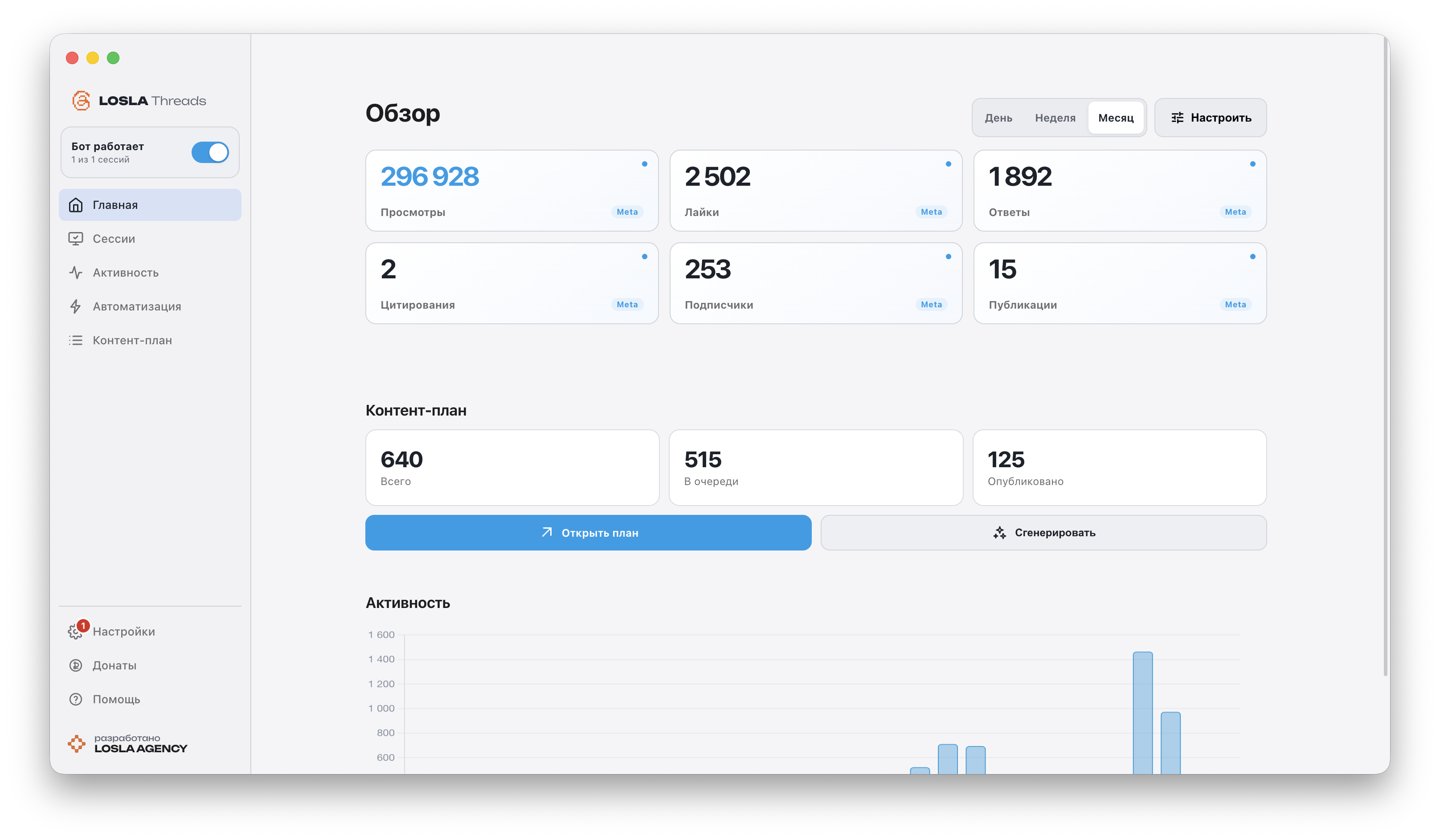
We brought publishing, replies, analytics and Threads content planning into one local application.
The official Meta API handles publishing and data, while roles, brand context and scenarios preserve a consistent voice in every message.
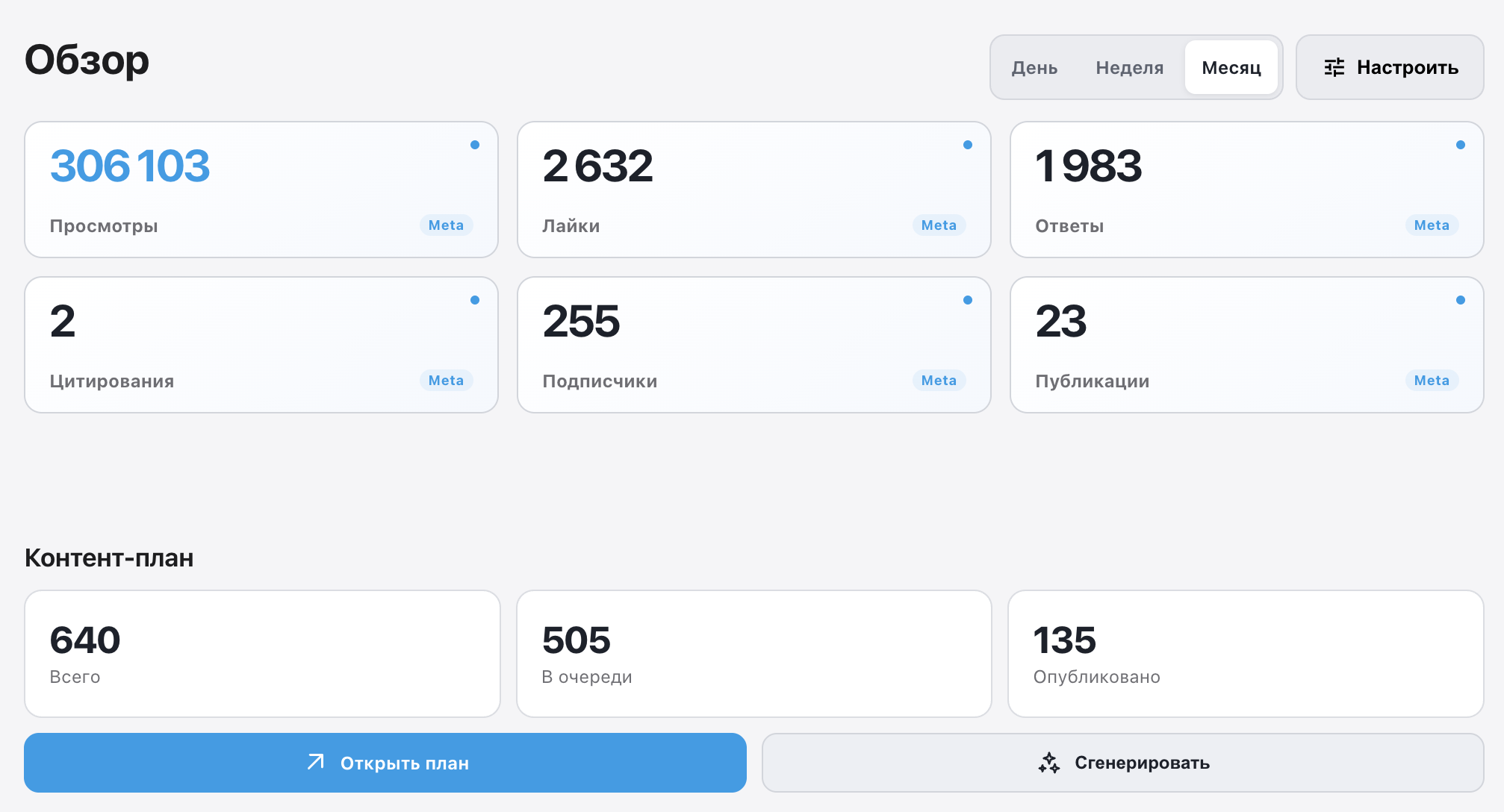
Content planPublishing schedule and queue
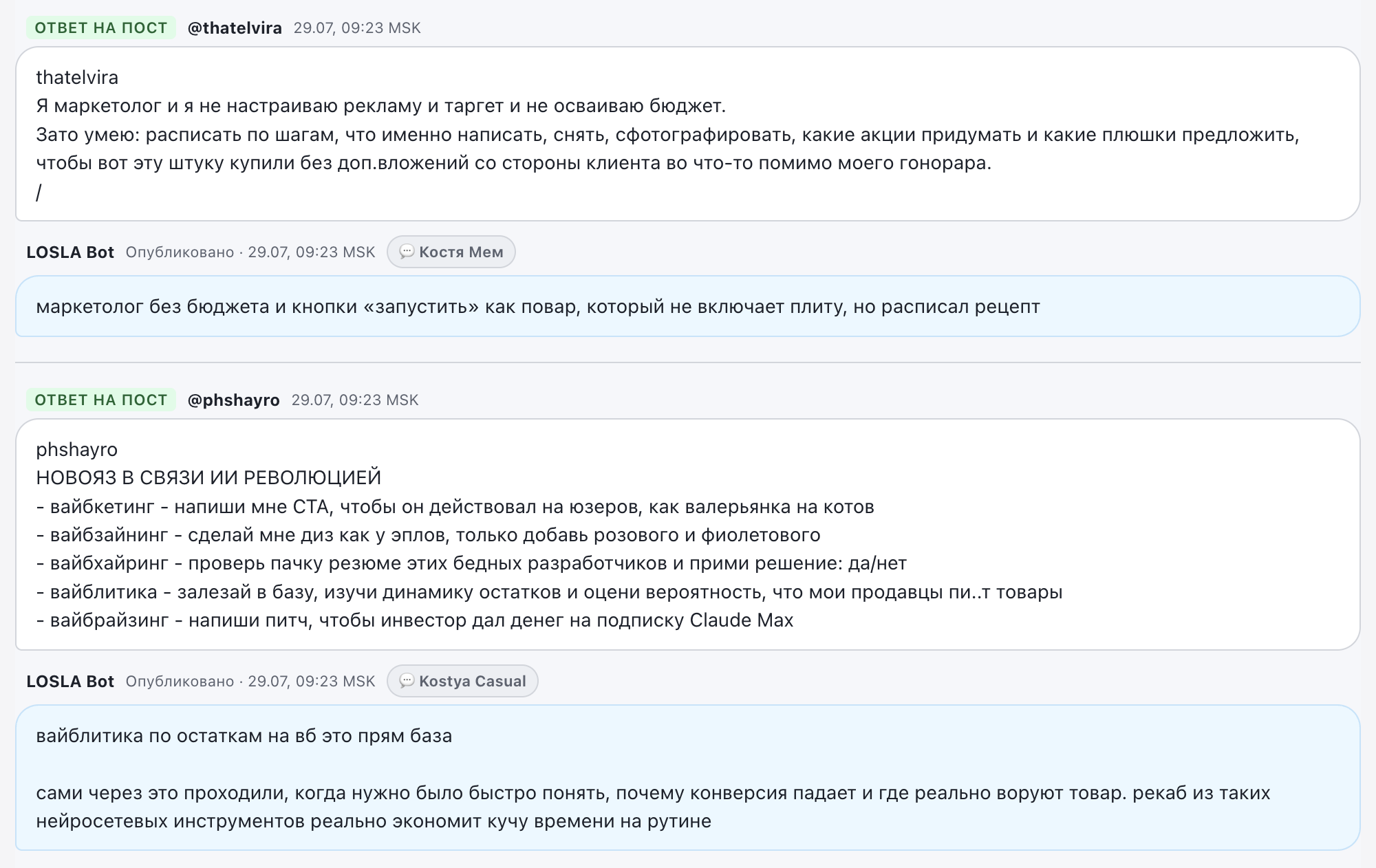
AutomationReply and keyword scenarios
AnalyticsViews, likes, replies and publications
The whole workflow
in one interface
The path from an idea to a published post, an audience conversation and a useful report is no longer split across different services.
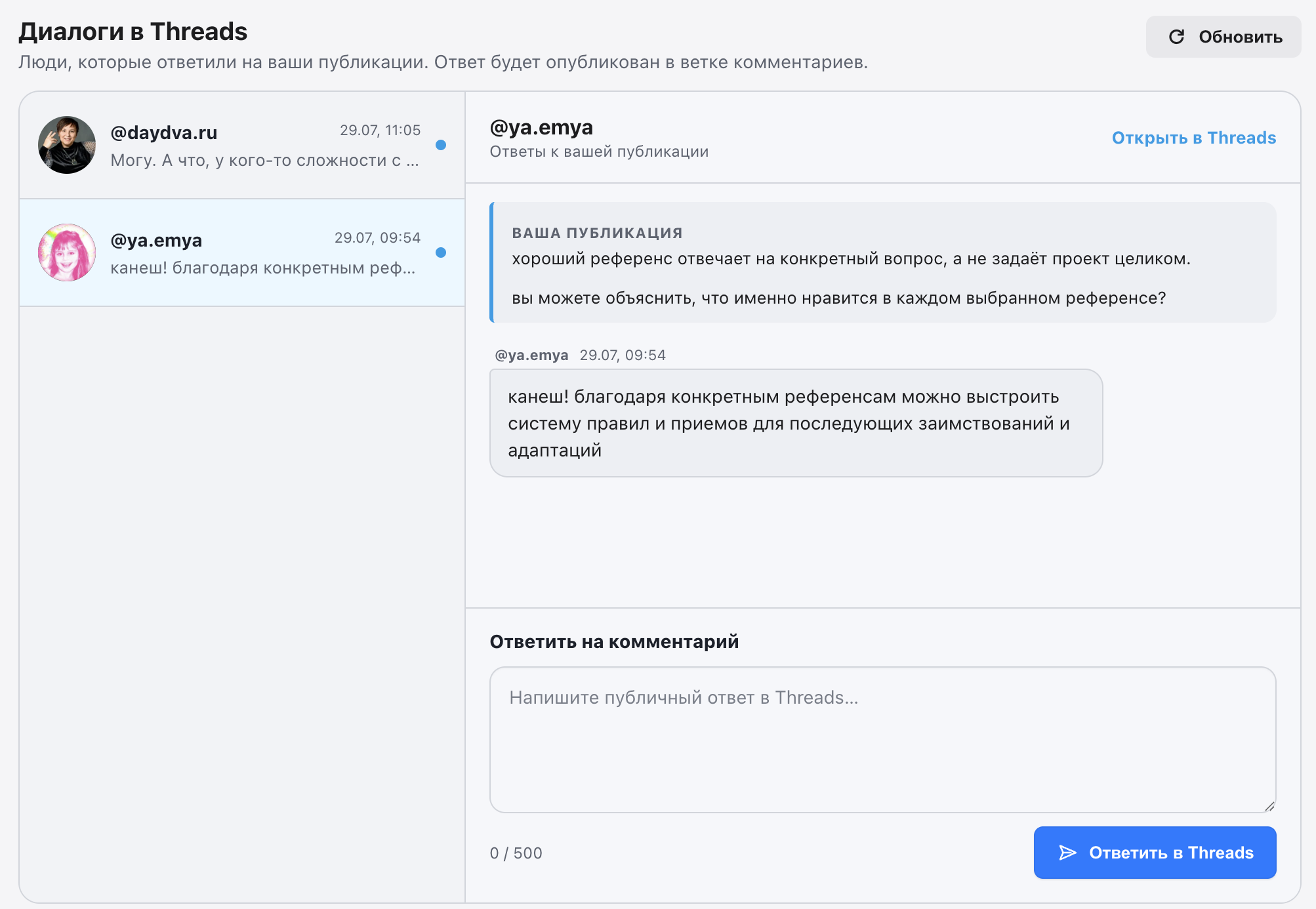
What LOSLA
Threads can do
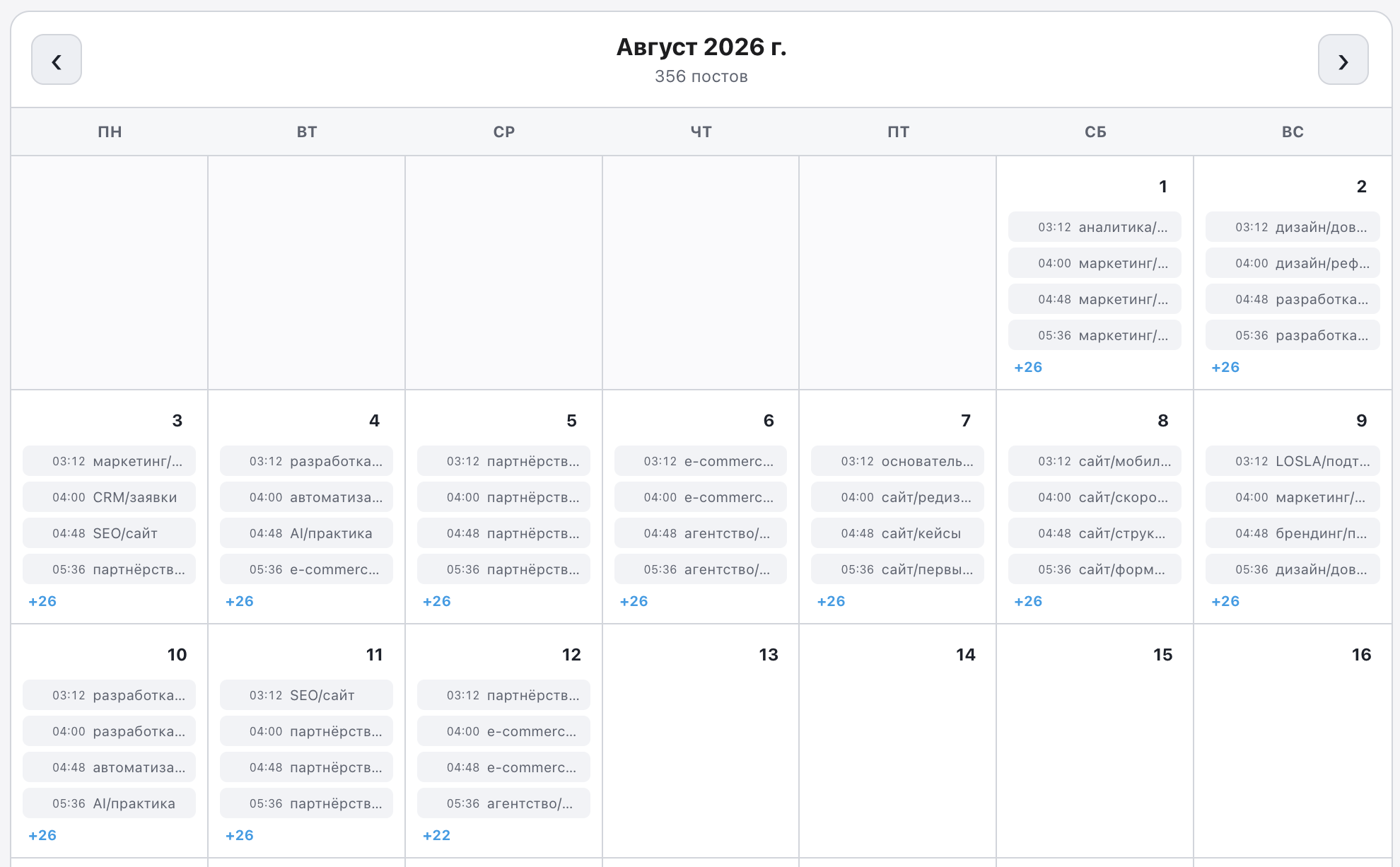
Content plan
Drafts, schedules, statuses and publishing without manually moving text between tools.
API publishing
Text posts and threads are sent through the official Meta connection.
Roles and context
Multiple roles adapt the voice to each topic while preserving the brand character.
Analytics
Views, likes, replies, reposts and account dynamics after connecting Threads API.
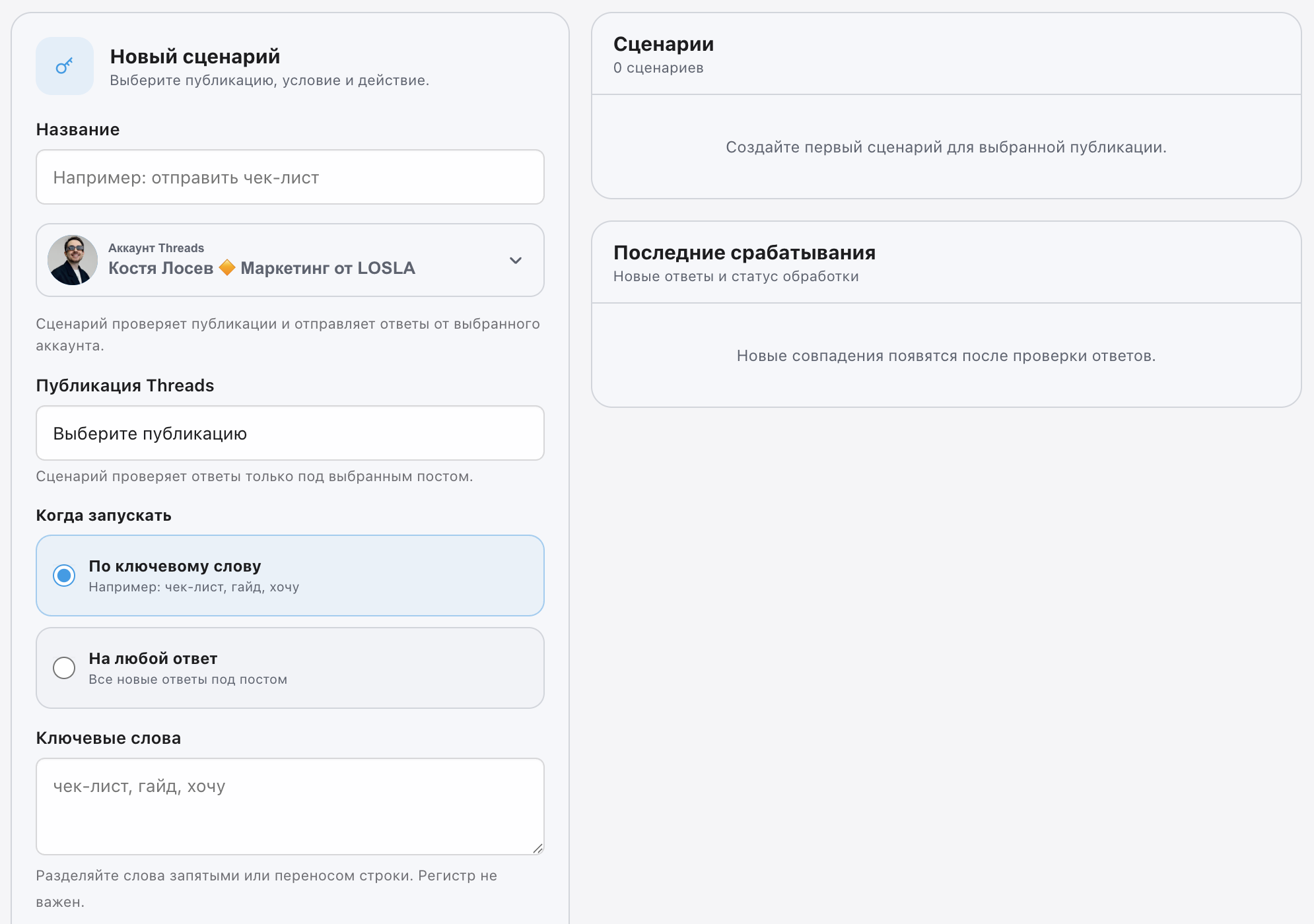
Scenarios
Automated reactions based on keywords and selected publications.
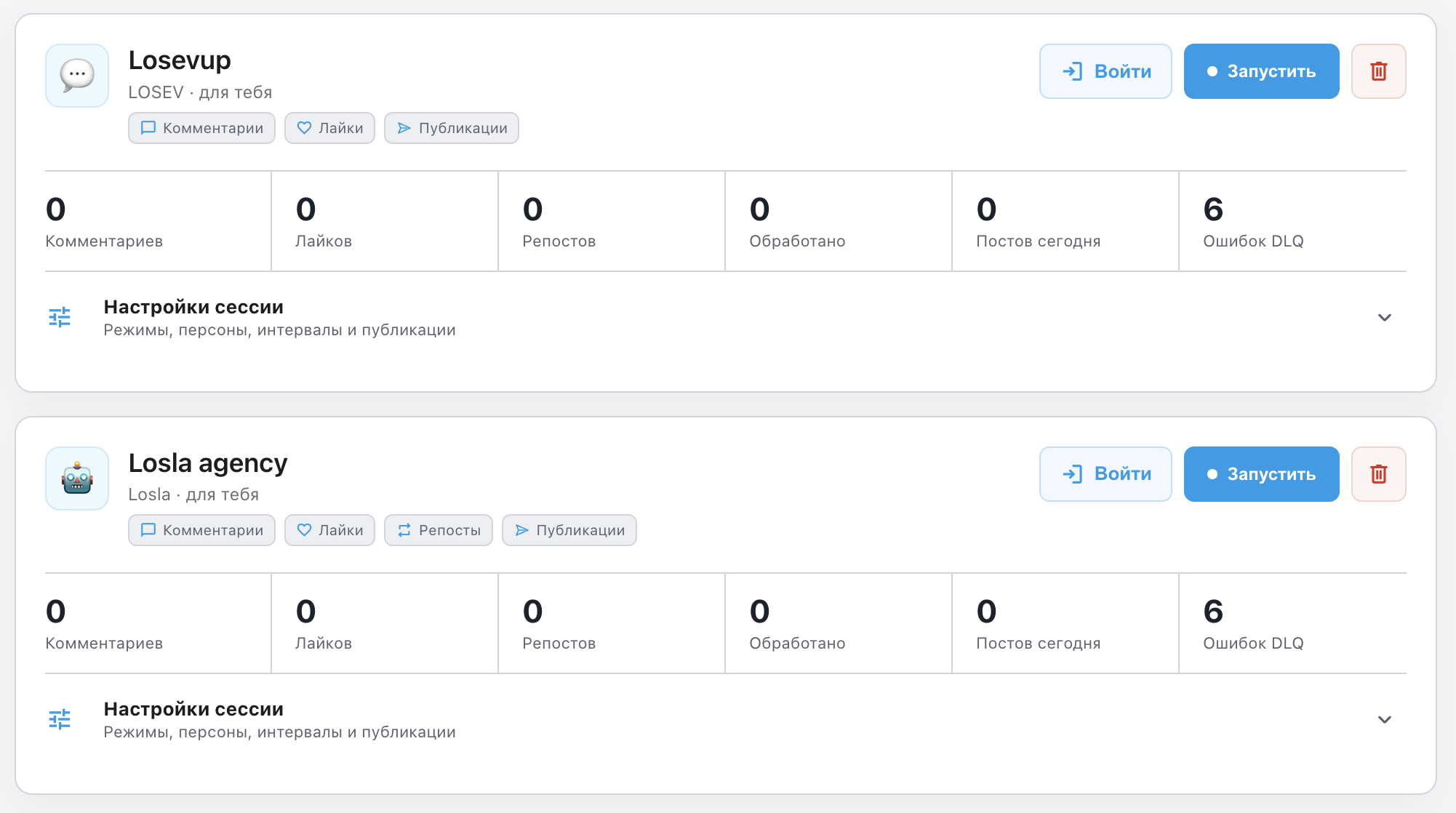
Multiple profiles
Every Threads account gets its own sessions, scenarios and content plan.
Choose
your version
Every version works locally and keeps user data through updates. The web interface opens in a browser.
MacOSNative application for Apple SiliconDownload DMG
WindowsNative application and installer for Windows x64Download EXE
LinuxLocal use or remote access through an SSH tunnelDownload ZIP